
Free guide
Lock your digital doors this weekend.
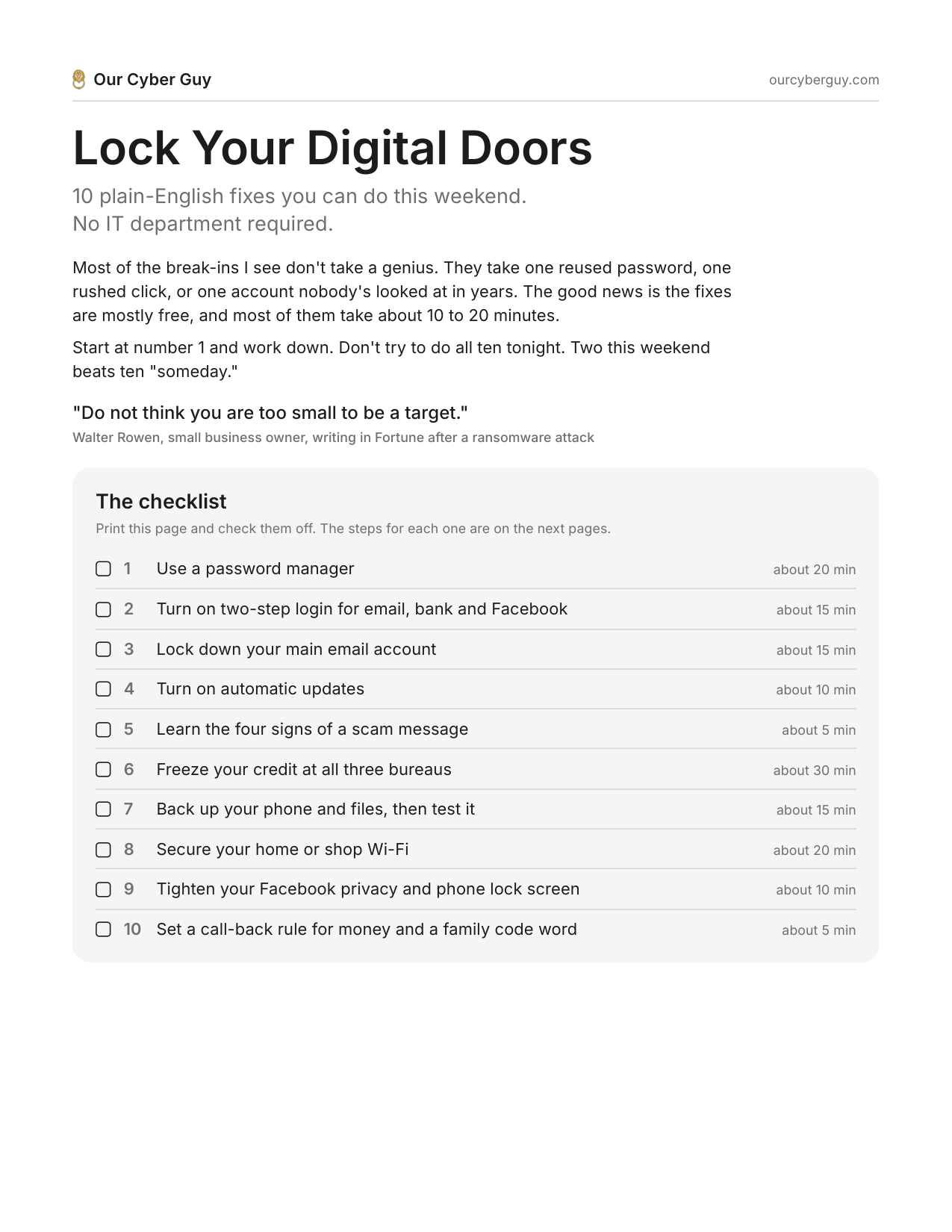
10 plain-English fixes for your accounts, your money and your family. Most take 10 to 20 minutes, most are free, and none of them need an IT department.
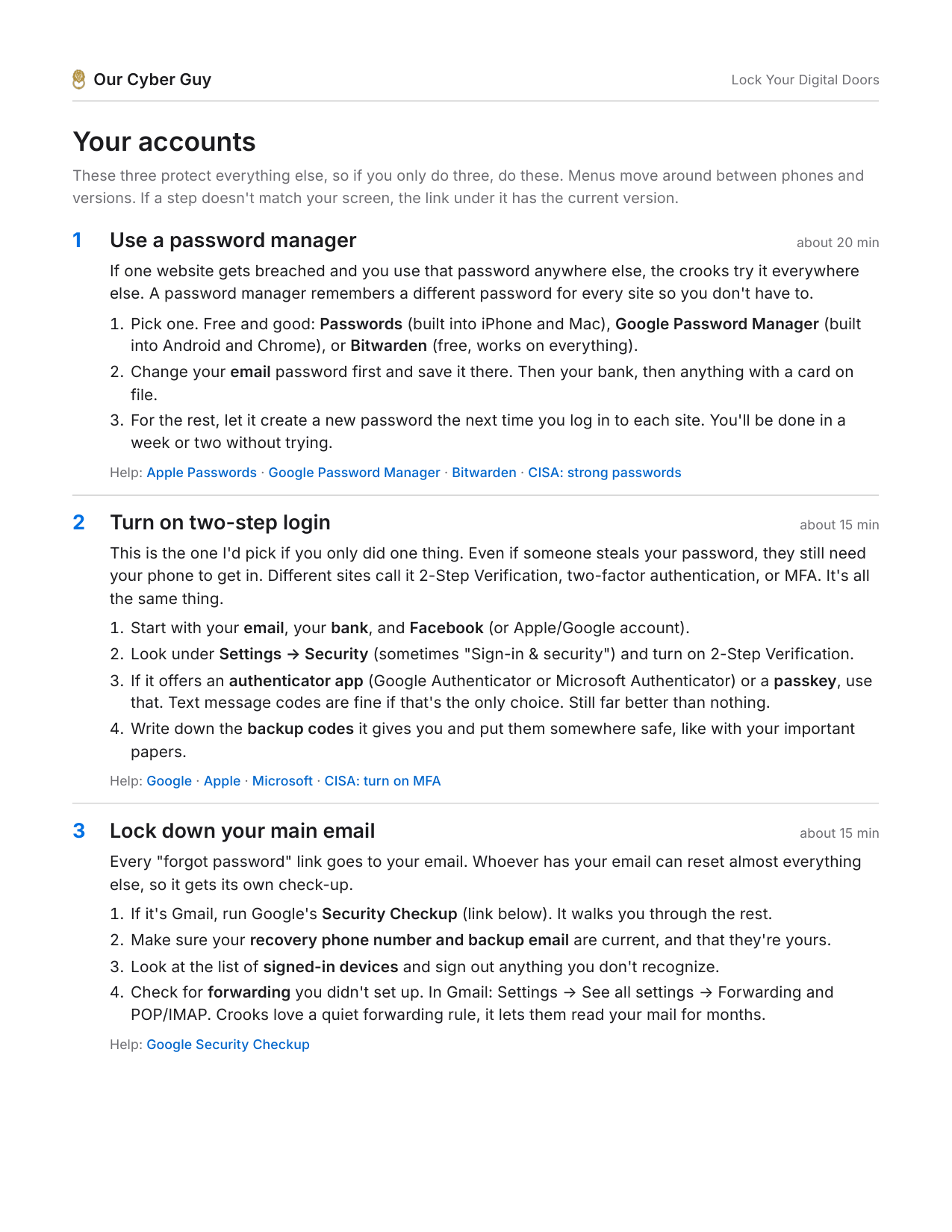
What's inside
One page you can print and check off, then the plain steps for each one, with a link to the official help page if your screen looks different.
- Use a password managerSo one leaked password doesn't open everything else.
- Turn on two-step loginThe one I'd pick if you only did one thing.
- Lock down your main emailEvery "forgot password" link goes there.
- Turn on automatic updatesSet it once and stop thinking about it.
- Learn the four signs of a scam messageUrgent, money, a login link, or "your account is locked."
- Freeze your creditFree, and it doesn't touch your score.
- Back up, then test itA backup you've never opened is a hope, not a backup.
- Secure your home or shop Wi-FiThat sticker password is on every router like it.
- Tighten Facebook and your lock screenYour birthday is half the security questions out there.
- A call-back rule and a family code wordBecause voices are easy to fake now.
Who put this together
I'm Freeman Burns. My day job is incident response, which is a fancy way of saying I'm one of the people who gets called after something has already gone wrong. The people it happens to aren't careless. They're busy, and nobody ever sat down and showed them this stuff.
So I wrote it down. Five pages, no jargon, no sales pitch.